The eSphere sensor monitors family status within a home environment to provide real-time, privacy-first notifications.
Always-on. Quietly aware.
Every home starts with a smart foundation.
|
STEP 1: Quantity & Coverage Calculator
Use this chart to determine the required number of sensors based on the total square footage of the home. The scale accounts for signal overlap and structural attenuation in larger homes.
| HOME SIZE | SENSORS REQUIRED |
| Up to 2,500 sq. ft. | 2 sensors |
| 2,501 – 3,500 sq. ft. | 3 sensors |
| 3,501 – 6,000 sq. ft. | 4 sensors |
| 6,000+ sq. ft. | Custom planning |
STEP 2: Placement Strategy by Home Type
Proper placement is critical for the presence algorithms to function correctly without blind spots.
SINGLE-STORY | RANCH / LONG LAYOUT | MULTI-STORY |
2 sensors · Centralized | 2 sensors min · Barbell | 1 sensor per floor · Staggered |
Centralization is key.
| Spread to the ends.
| Don’t stack vertically.
|
STEP 3: Installation Best Practices 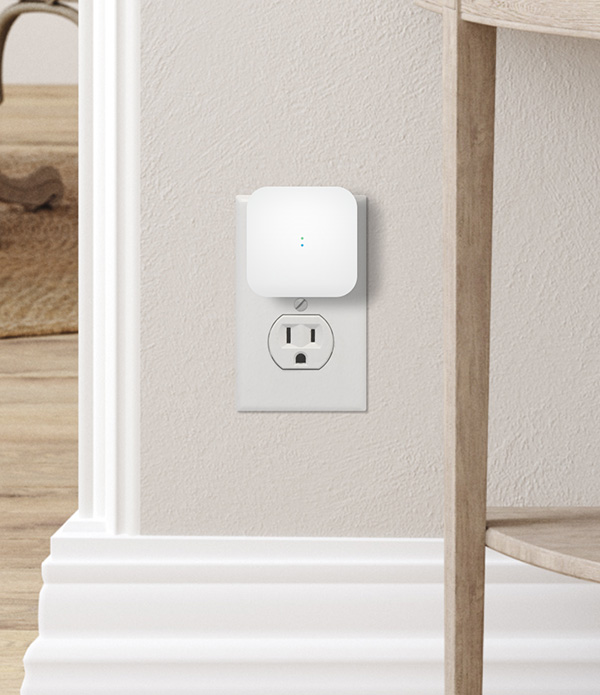
Follow the “No Obstruction” rule to maximize performance and signal integrity.
- Placement. Mount sensors clear of furniture and obstructions.
- Line of sight. The sensor needs a clear view of the area it covers — don’t hide it behind bookshelves, curtains, or inside entertainment centers.
- Interference avoidance. Keep sensors at least 5 feet from:
- Wi-Fi routers (RF interference)
- HVAC vents (rapid temperature changes can trigger false statuses)
- Large metal appliances (refrigerators and furnaces block signals)
STEP 4: Example Deployment Scenarios
Three reference deployments. Use these as a starting point and adapt to layout, materials, and household routines.
| Scenario | Home stats | Configuration |
Ranch home | 2,500 sq. ft. · 1 floor | 2 sensors — one in the front foyer, one in the back master hallway. |
Large family home | 3,400 sq. ft. · 2 floors | 3 sensors — 1st floor (central), 2nd floor (hallway), and a third in the garage or high-traffic bonus room if applicable. |
Estate | 4,800 sq. ft. · 2 floors + basement | 4 sensors — basement, 1st floor East Wing, 1st floor West Wing, and 2nd floor (central). |
Need help? Contact Support for custom planning over 6,000 sq. ft.